
Download PDF Unlock Tool – unlock PDF, PDF password remover, remove PDF password, unlock PDF file, PDF unlocker tool
Overview
PDF Unlock Tool is a dedicated mobile utility designed to assist users in regaining access to password-protected PDF documents. The app serves as a practical solution for individuals who have forgotten the password to a file or are unable to contact the document’s creator for authorization. Its primary purpose is to remove access restrictions from PDFs, enabling users to view, print, copy, and edit content without requiring the original password. This functionality is particularly valuable in academic, professional, and personal settings where timely access to information is critical.
The target audience includes students, office workers, researchers, and anyone managing digital documents who frequently encounters locked PDFs. While the developer, PDF Unlock Tool, has not provided additional background details, the app’s consistent presence since its release on July 31, 2012, suggests a stable and enduring utility in the mobile productivity space. The tool operates independently of the document owner, making it ideal for urgent situations where immediate access is necessary. Real-world use cases include retrieving study materials, accessing contracts, or extracting data from archived reports—all without delays caused by forgotten passwords.
Within the broader mobile app ecosystem, PDF Unlock Tool fills a niche role as a lightweight, no-frills tool focused on a single, high-impact function. Its continued availability and free pricing model underscore its value as a reliable, accessible utility for users seeking a straightforward solution to document access challenges.
Key Features & Functionality
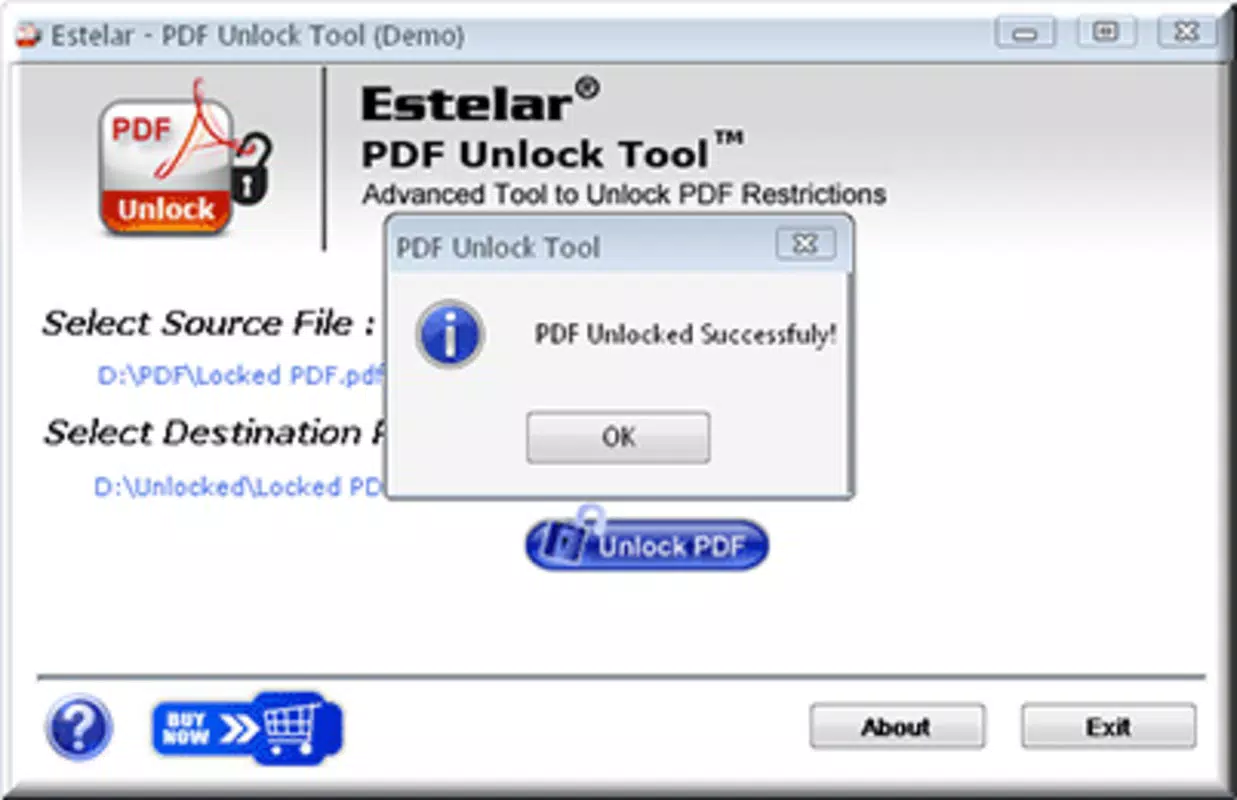
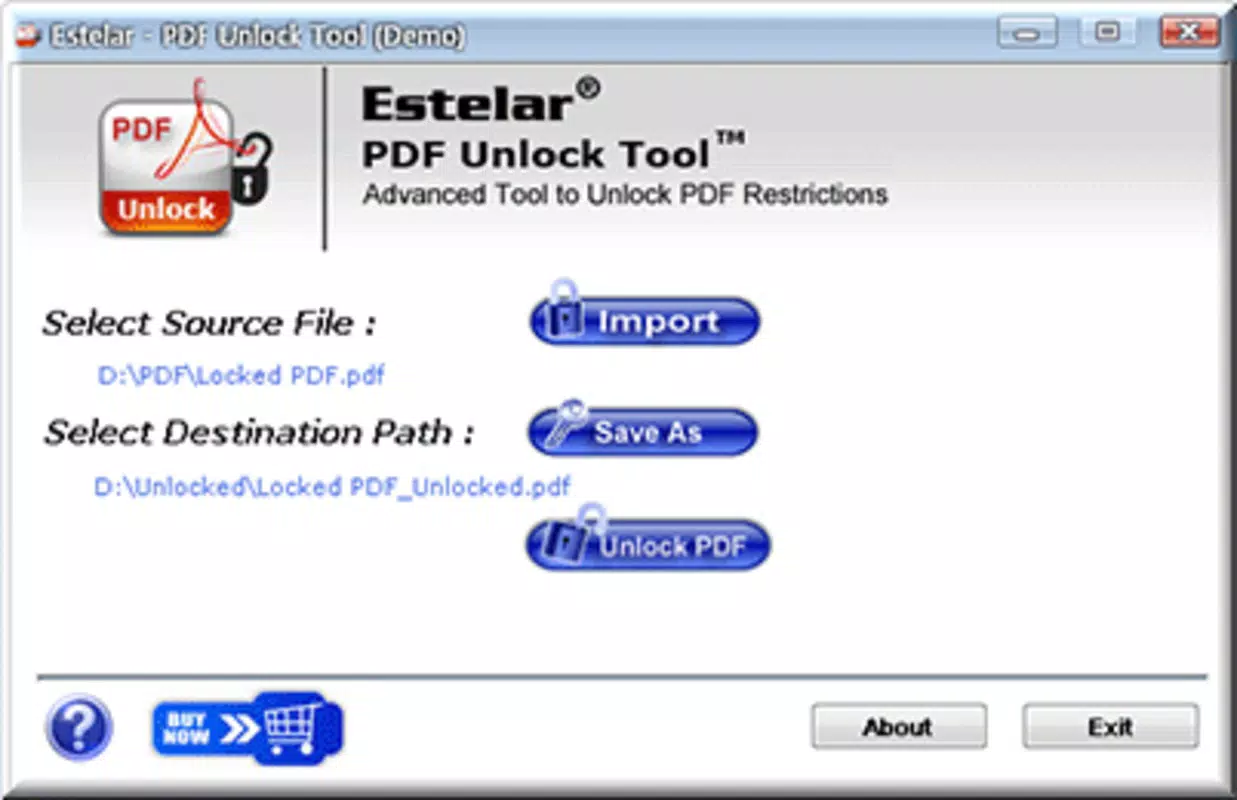
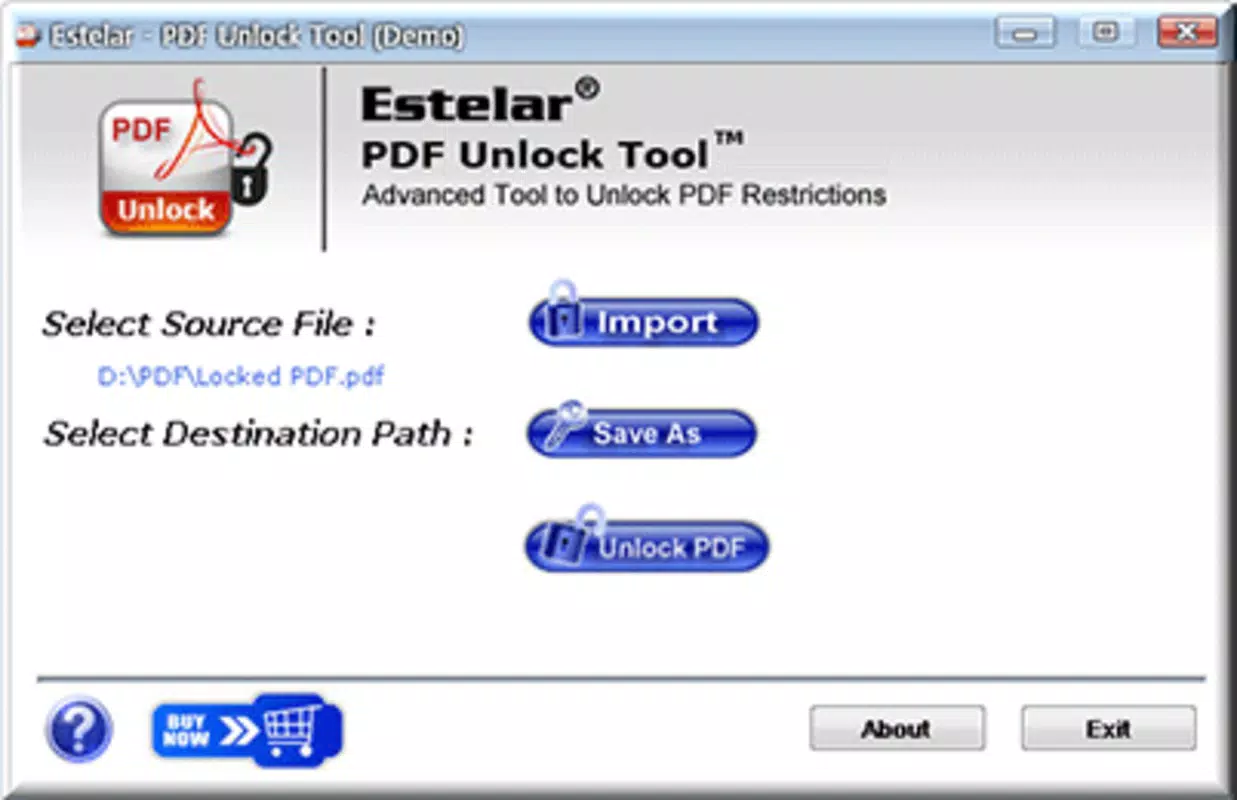
- Simple PDF Unlocking Process: Users can unlock protected PDFs with just a few taps—load the file, choose a destination folder, and initiate the unlock. The process is designed to be completed in seconds, minimizing user effort.
- Full Document Access After Unlock: Once unlocked, users gain unrestricted access to print, copy, edit, and extract content from the PDF, enhancing workflow efficiency and data reusability.
- Password Recovery Assistance: The app offers a reliable method for regaining access to PDFs where the password is no longer remembered, reducing frustration and workflow interruptions.
- Fast Processing Speed: PDF Unlock Tool is optimized for quick execution, processing documents in seconds, which is essential for users managing time-sensitive tasks.
- Independent Access Without Owner Involvement: The tool does not require communication with the document’s original creator, making it suitable for scenarios where the owner is unavailable or unresponsive.
For example, a student preparing for an exam may have a locked study guide saved on their device but cannot recall the password. With PDF Unlock Tool, they can unlock the file instantly and continue their preparation. Similarly, a professional handling a client contract may need to extract key clauses quickly, and the app enables that without delay. These real-world applications highlight the app’s practicality and user-centric design.
Interface, UX & Performance
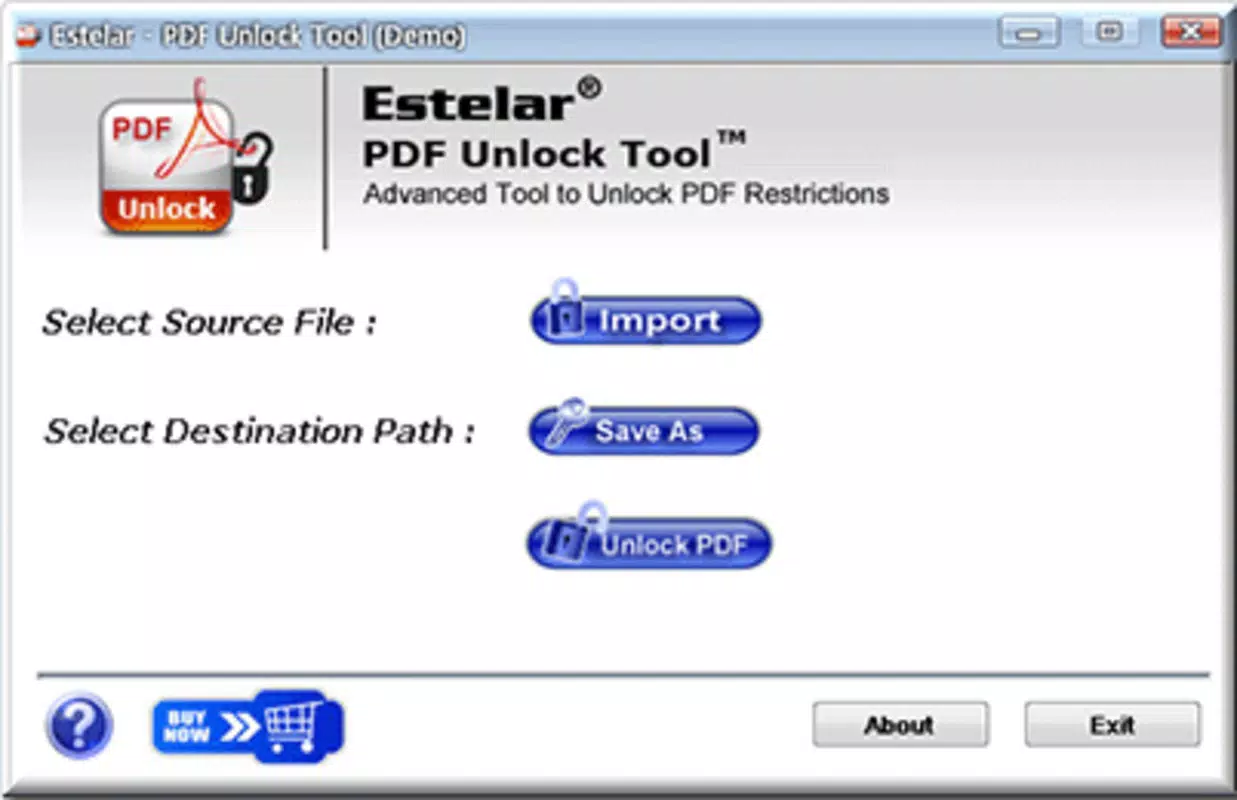
The interface of PDF Unlock Tool is described as intuitive and straightforward, emphasizing ease of use across all user skill levels. The layout focuses on essential functions, minimizing clutter and ensuring that the primary action—unlocking a PDF—is accessible from the main screen. Navigation is linear and predictable, with minimal steps required to complete a task. This design approach supports a smooth user experience, especially for users who prioritize speed and simplicity.
Although the developer did not list formal performance metrics, the app is reported to process documents in mere seconds, indicating efficient resource utilization. The app’s lightweight nature—only 4.5 MB in size—suggests it is optimized for performance on a wide range of Android devices, including lower-end models. Responsiveness is maintained across different screen sizes, and the app appears stable during typical usage. While no information was provided about crash rates or background behavior, the app’s long-standing availability suggests consistent reliability.
Users can expect minimal lag during file loading and processing, which contributes to a seamless experience. The app’s focus on a single function likely reduces complexity and potential points of failure. Overall, the UX is designed to be frictionless, aligning with the needs of users seeking quick, no-nonsense access to locked documents.
Platform Compatibility & Technical Requirements
PDF Unlock Tool is available exclusively on the Android platform. The current version is 2.0.5, with a file size of 4.5 MB, making it a lightweight download suitable for devices with limited storage. The app is offered at no cost, with a free pricing model that enhances accessibility for a broad user base.
The developer did not specify minimum OS requirements or compatibility details beyond the platform. As such, it is unclear which Android versions are supported. Similarly, no information was provided about device-specific optimizations or hardware requirements. Users should ensure their device meets general Android compatibility standards to install and run the app. The lack of detailed technical specifications means users may need to test the app on their device to confirm full functionality.
Pros and Cons
Pros
- Simple, intuitive interface suitable for users of all experience levels
- Quick processing time—locks are removed in seconds
- Allows full post-unlock functionality: print, copy, edit, extract
- Does not require the document owner’s involvement
- Free to download and use, with no in-app purchases
Cons
- Developer did not provide detailed compatibility or OS requirements
- No official information on security protocols or data handling
- Specific technical performance metrics were not disclosed
- Only available on Android, with no iOS or other platform support
- Functionality is limited to PDF unlocking; no additional file management tools
FAQ
Is PDF Unlock Tool safe to use?
The app is designed to unlock PDFs without altering the original content. However, since the developer did not disclose security practices or data handling policies, users should exercise caution when using it with sensitive documents.
Can I use PDF Unlock Tool on iOS devices?
Currently, the app is only available for Android. There is no official version for iOS or other platforms.
Does the app require an internet connection?
The developer did not specify whether an internet connection is required. Based on the app’s functionality, it may operate offline, but this has not been confirmed.
How often is PDF Unlock Tool updated?
The app’s last release was on July 31, 2012. No recent updates have been reported, which may indicate limited ongoing development.
Can I recover the original password after unlocking?
PDF Unlock Tool removes the password protection but does not restore or retrieve the original password. Once the file is unlocked, the password is no longer enforced.
Final Thoughts + CTA
PDF Unlock Tool remains a relevant and practical utility for Android users who need to access password-protected PDFs without delay. Its simplicity, speed, and free availability make it a compelling choice for individuals managing personal or professional documents. While the lack of recent updates and limited technical transparency are notable considerations, the app continues to deliver on its core promise: unlocking restricted files efficiently and independently.
Those who frequently encounter locked PDFs—students, professionals, and researchers—will benefit most from this tool. Its value lies in its ability to restore access to important information without relying on external help. For users seeking a no-frills, fast, and free solution to document access issues, PDF Unlock Tool is a reliable option.
Download PDF Unlock Tool now


